Texxas Power · Commercial Standby Power

Standby Generator Installation for Data Centers and IT Systems Across DFW

If you're responsible for a server room or network closet at a DFW business, you already know an outage doesn't wait for a convenient moment: whatever was mid-save, mid-call or mid-transaction when the power dropped is just gone. Texxas Power installs standby power for the IT infrastructure behind offices, clinics and small businesses across Fort Worth, Dallas, Plano, Las Colinas and the rest of North Texas, sized to the equipment you actually run.
  • Texas Electrical Contractor License #41809
  • Authorized dealer: Generac, Kohler, Champion
  • Free site assessment
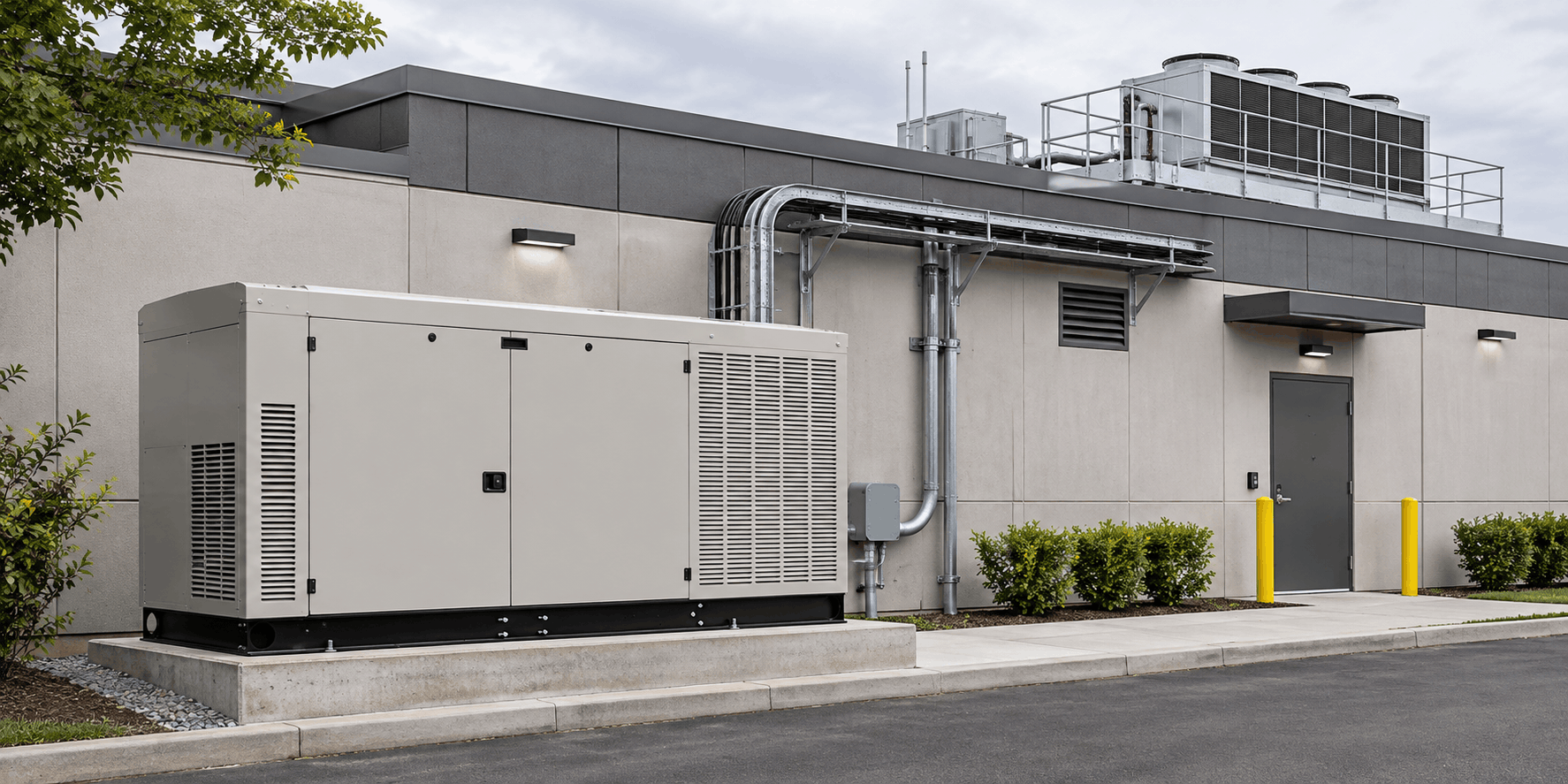
Standby generator installed outside a data center building with rooftop cooling equipment and exterior cable conduit
Texxas PowerWhat an IT Load Actually Needs
Transfer time
Seconds, not minutesA correctly sized automatic transfer switch is what closes the gap between utility failure and generator pickup
UPS and generator
Two different jobsA UPS bridges the first seconds; the generator carries the load for as long as the outage lasts
Sizing
By actual IT load, not square footageA small server room and a full data hall are not sized the same way
Dig test
Before any trenchingSo what's buried near your building is known first

The difference

A Server Room Doesn't Get a Grace Period

A warehouse that loses power for an hour loses an hour. A server that loses power mid-write loses whatever it hadn't saved yet. The gap between the two is a UPS, bridging the few seconds before the generator picks up the load, and it only works if the generator and transfer switch are actually sized to match it.

This is why sizing comes before anything else. We look at your panel, your actual IT load, and how your UPS is set up to hand off to the generator, whether that's a server closet behind a Plano law office or a dedicated room in a Fort Worth warehouse. If what you already have covers the load, we'll tell you that instead of selling you more.

Know where you stand

What Texas Law Actually Requires From the Businesses Running This Equipment

Texas doesn't require a backup generator for your servers by name. It does have real, enforceable rules that make keeping your systems running part of running a compliant business.

State law

Texas's Data Protection Statute

The Identity Theft Enforcement and Protection Act requires any business holding Texans' sensitive personal information to use reasonable procedures to protect it. The Attorney General can enforce it, and breaches affecting 250 or more Texans must be reported to the state. The statute never mentions generators, but an uncontrolled shutdown is one of the more ordinary ways data gets corrupted or exposed.

Federal rule

HIPAA's Contingency Plan Requirement

If your systems support a medical or dental client, HIPAA's Security Rule requires a documented plan for data backup, disaster recovery and emergency mode operation, keeping patient data available through a power event. It doesn't name a generator either. It does require the plan to hold up when the power goes out.

Grid structure

Texas Runs Its Own Grid

ERCOT manages Texas's electric grid separately from the interconnected grids covering most of the rest of the country. That isolation was part of why Texas saw sustained, grid-wide outages during Winter Storm Uri in February 2021.

The site assessment

What an IT Site Assessment Covers

A specific look at your actual IT load and the infrastructure already protecting it, not a generic building quote.

IT Load and UPS Review

We look at what you're actually running, your existing UPS capacity and runtime, and how the two systems need to hand off to each other, so the generator we recommend matches your real load.

Electrical Panel and Gas Supply Assessment

We check your panel's capacity and layout and your gas supply and meter capacity, to confirm what the site can support before anything is sized.

Pad Siting Against the Clearances

We plan the generator and pad location against clearances for windows, doors, fresh-air intakes and service access, matched to a site that's already built and already running, whether that's a Frisco office park or a converted space near downtown Dallas.

Permitting Path

We scope the permitting path for your specific city before anything is quoted, since requirements and turnaround vary by jurisdiction across the metroplex.

How it runs

How a Data Center or IT Facility Installation Runs

01

Sales Visit

A free, no-obligation visit to look at your panel, your gas supply, and the realistic pad locations on your site, so we size the system honestly instead of guessing.

02

Internal Review

Our team reviews what the site visit found before anything is filed with the city, so the permit application matches what's actually on your property.

03

Permitting

We pull the permit and schedule the inspection. Timing varies by city, your utility's schedule, weather, and equipment delivery, not a fixed number of days.

04

Install

Pad, gas line, electrical and transfer switch go in. A dig test runs before any trenching starts, so what's already buried is known before anything is cut, and anything outside the original quote gets your written approval before work starts on it.

05

Startup

The generator is registered under the manufacturer's warranty and started up.

06

Generator School & Simulation

We show your team how to run the system and what to watch for, then cut power on purpose and confirm it carries your load while you're standing there.

Recent install

A Data Facility That Couldn't Shut Down for the Install

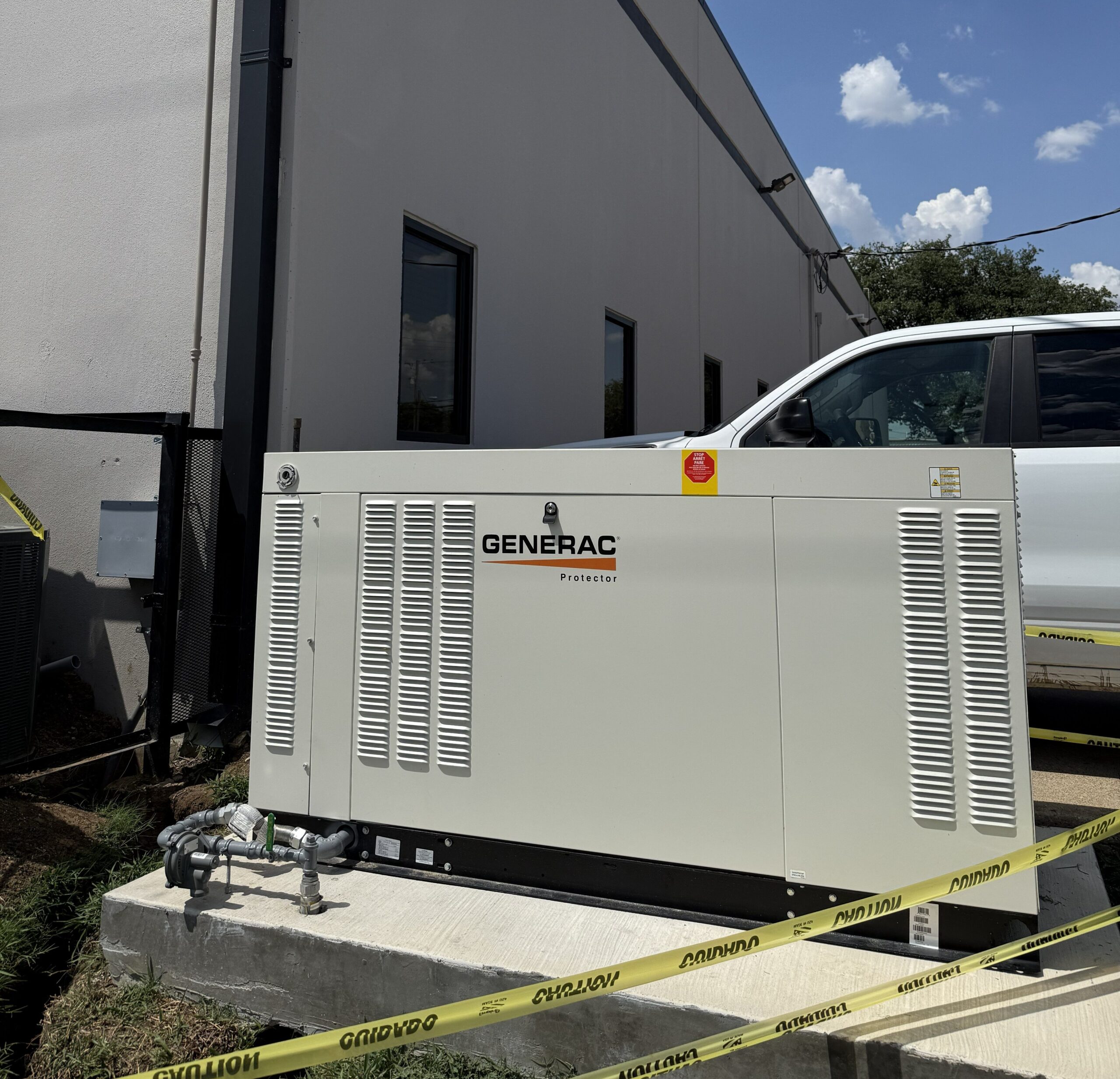
Powering a Haltom City data facility with a 48 kW standby generator

Communication Concepts, Haltom City, Texas

When Communication Concepts, an IT and data company in Haltom City, needed backup power for its operation, the job came with one hard constraint: the business couldn't go dark to get it done. Texxas Power sized a 48 kW Generac liquid-cooled generator to the facility's actual load, installed it in a custom locking enclosure, and completed the installation, pad to startup, in five days without interrupting the business it was protecting.

Generator
48 kW Generac, liquid-cooled
Enclosure
Custom locking
Install time
5 days
Location
Haltom City, TX
Read the Full Case Study

Common questions

Frequently Asked Questions

(817) 439-9009
Do we still need a UPS if we install a generator?

Yes. A UPS and a generator do different jobs. The UPS bridges the few seconds between losing utility power and the generator starting and transferring the load. Removing the UPS removes that bridge.

How fast does the generator actually pick up the load?

A correctly sized automatic transfer switch typically restores power within seconds of a utility failure, not minutes. The exact timing depends on how the system is sized and configured, which is part of what the site assessment establishes.

How do you size a generator for a server room versus a full data center?

By your actual IT load and your UPS runtime. That's also why a 2,000 sq. ft. office with a server closet and a 2,000 sq. ft. office with a dedicated server room need completely different systems, even though they're the same size building.

Can you install without taking our systems offline?

That's the kind of constraint the site visit is built to plan around. Our Haltom City data facility install ran for five days without shutting the business down. Every site is different, and we scope the sequencing during the assessment rather than promising a blanket answer up front.

What brands do you install for this kind of load?

We're a Generac PowerPro Premier dealer, and a dealer and installer for Kohler and Champion, and we service those three plus Briggs & Stratton and Cummins units installed by other companies. Which brand fits depends on your load, your fuel supply and your site.

How long does an installation take?

Once equipment arrives on site, installation typically runs three to five weeks, though our Haltom City install ran in five days once scheduled. Permitting is usually the step most likely to take longer than expected.

Free site assessment

Need Standby Power for a Data Center or IT Facility?

Tell us about your IT load and your existing UPS setup. We'll walk you through what it actually takes to keep it running through an outage.

  • Call
  • Emergency
    24/7, same numbers
  • Offices
    13013 Harmon Rd, Suite 1305, Fort Worth, TX 76177
    3400 Carlisle St., Suite 320, Dallas, TX 75204
    8105 Rasor Blvd., Suite 218, Plano, TX 75024

Request a Site Assessment

Tell us about the facility. We'll come back with next steps.